

New Shutter Speed
Exposure Increase
EV Density Difference
How to Use the ND Filter Calculator
An ND (Neutral Density) filter reduces the amount of light reaching your camera sensor, allowing you to use a slower shutter speed without overexposing the image. This is especially useful for long exposure photography, such as smoothing waterfalls, rivers, waves, clouds, or other moving subjects.
This ND Filter Calculator shows how much longer your shutter speed needs to be after adding an ND filter.
1. Choose Your Base Shutter Speed
Start with the shutter speed you would use without an ND filter.
For example, if your camera gives you a correct exposure at 1 second, select 1 s under Base Shutter Speed (No Filter).
The calculator includes shutter speeds from very fast settings such as 1/8000 s to long exposures of several seconds.
2. Select Your ND Filter Strength
Next, choose the ND filter you want to use.
The filter strength is expressed in stops. Each additional stop cuts the amount of light reaching the sensor in half, so the camera needs twice as much exposure time to maintain the same exposure.
For example:
- ND2 = 1 stop
- ND4 = 2 stops
- ND8 = 3 stops
- ND64 = 6 stops
- ND1000 = 10 stops
- ND4000 = 12 stops
- ND32000 = 15 stops
- ND65536 = 16 stops
Once you select both values, the calculator automatically calculates the new shutter speed.
Example
Suppose your correct exposure without a filter is 1/30 s, and you want to use an ND1000 (10-stop) filter.
The filter reduces the light by 10 stops, which means the shutter speed needs to become 1024 times longer.
The calculator therefore gives you a new exposure of approximately 34 seconds.
This is the exposure time you can use as a starting point when setting up your long exposure.
Understanding the ND Filter Calculator Results
The calculator displays three results:
New Shutter Speed
This is the estimated shutter speed you need after adding the selected ND filter.
For example, a 1-second exposure with an ND1000 becomes approximately 17 minutes 4 seconds, because ND1000 reduces the light by 10 stops.
The result is based on the assumption that you want to keep the same aperture and ISO as your original exposure.
Exposure Increase
This shows how many times longer the new exposure is compared with your original shutter speed.
For example, an ND1000 has a 10-stop density, which corresponds to a 1024× longer exposure.
This makes it easier to understand why strong ND filters can turn an exposure of a few seconds into several minutes.
EV Density Difference
This displays the optical density of the selected filter in stops.
A higher number means a stronger filter and a greater reduction in light.
For example, an ND64 is 6 stops, while an ND1000 is 10 stops.
How to Use ND Filters for Long Exposure Photography
ND filters are particularly useful when you want to deliberately introduce motion blur into a photograph.
Without an ND filter, bright daylight can make it impossible to use a sufficiently slow shutter speed without overexposing the image. An ND filter allows you to reduce the incoming light and extend the exposure instead.
This can create effects such as:
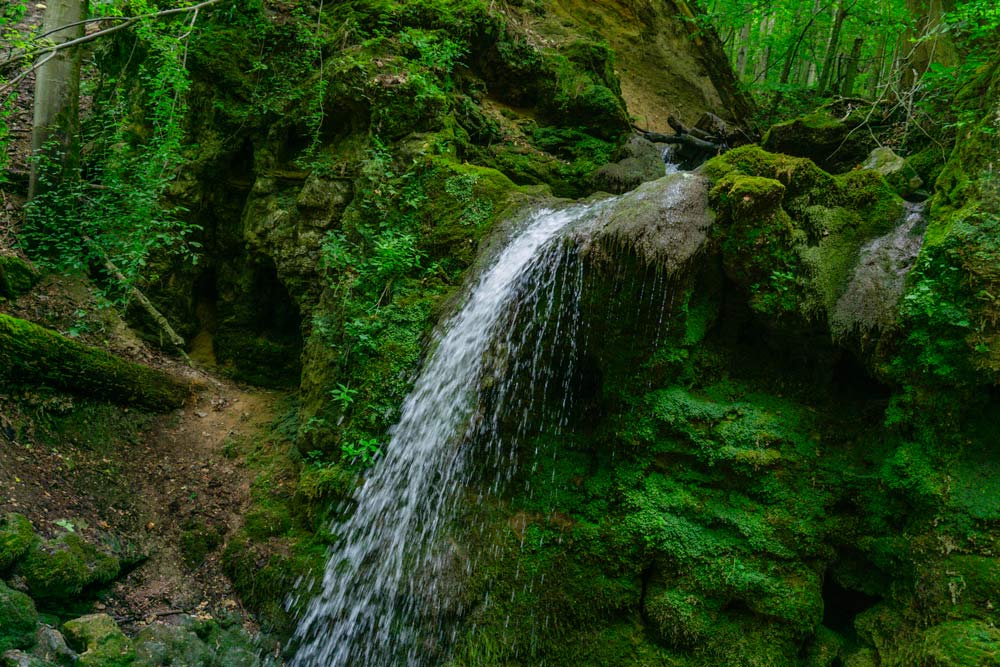
- Smooth, silky water in rivers and waterfalls
- Soft, misty waves along beaches
- Blurred clouds moving across the sky
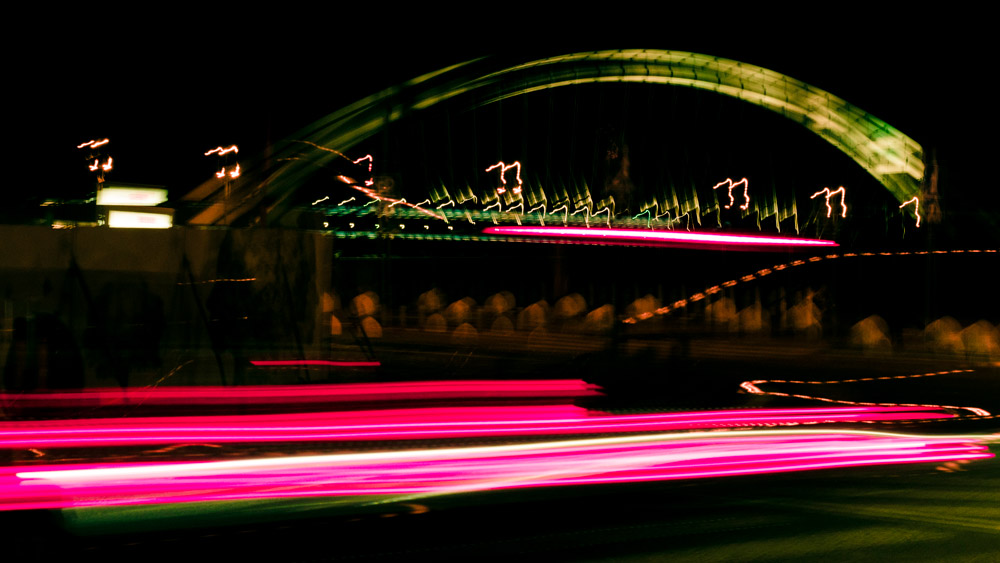
- Motion trails from moving subjects
- Minimalist seascapes with a smooth, simplified appearance
The strength of the filter you need depends on your starting exposure.
For example, if your unfiltered exposure is already several seconds, you may only need a moderate ND filter. In bright daylight, however, a strong filter such as an ND1000 can be useful when you want exposures lasting tens of seconds or several minutes.
Remember that the calculator gives you the exposure time required to maintain the same exposure. It does not guarantee a particular visual result. The amount of motion blur you see also depends on how quickly the subject is moving.
What Does the Water & Motion Blur Simulator Show?
The built-in simulator provides a simple visual indication of how different shutter speeds affect moving water.
It divides the result into three broad categories:
Frozen Motion appears at very fast shutter speeds. Moving water remains relatively crisp, with little visible motion blur.
Slight Motion Blur represents slower exposures where movement begins to soften the appearance of the water.
Silky Smooth Effect represents longer exposures where moving water can become much smoother and more continuous, producing the familiar long-exposure "silky water" effect.
The simulator is intended as a visual guide rather than a photographic prediction. Real water will look different depending on its speed, direction, texture, lighting, and the movement of other elements in the scene.
For example, a 1-second exposure of rapidly moving waves can look very different from a 1-second exposure of a slow-moving river.
A Practical Long Exposure Workflow
For a real shoot, you can use the calculator as part of this workflow:
- Take a test exposure without the ND filter.
- Note the shutter speed that gives you the exposure you want.
- Enter that shutter speed into the calculator.
- Select your ND filter strength.
- Use the calculated shutter speed as your starting point.
- Attach the ND filter and take the long exposure.
- Check the result and adjust the exposure if necessary.
For very long exposures, remember that your camera may require Bulb or Time mode if the calculated exposure exceeds its normal shutter-speed range. You can also create long-exposure effects on mobile using several built-in and app-based techniques (see my guide to 3 Easy Ways to Slow Shutter Speed on iPhone).
ND Filter Calculator FAQ
An ND (Neutral Density) filter is a dark filter placed in front of the camera lens to reduce the amount of light entering the camera. It allows photographers to use slower shutter speeds or wider apertures while maintaining a suitable exposure.
ND1000 is a commonly used strong ND filter that reduces the amount of light reaching the sensor by approximately 1,000 times. In stop terminology, it is approximately a 10-stop filter.
Multiply your original shutter speed by the filter's exposure factor. Each stop doubles the required exposure time.
For example, a 10-stop ND filter multiplies the exposure time by 2¹⁰ = 1024. The calculator performs this conversion automatically.
The calculator is primarily designed for still photography and long-exposure photography. Video exposure is usually controlled using shutter angle or shutter speed together with frame rate, so a different calculation is normally required.
The simulator is a simplified visualization of motion blur. Real-world results depend on the movement and speed of the subject, lighting conditions, water movement, wind, camera stability, and other factors. Use the simulator to understand the general relationship between shutter speed and motion blur, but use your camera's test exposures to determine the final result.
No. An ND filter is only necessary when the available light prevents you from achieving the shutter speed you want at your chosen aperture and ISO. In low-light conditions, you may already be able to achieve several-second or multi-minute exposures without a filter.