




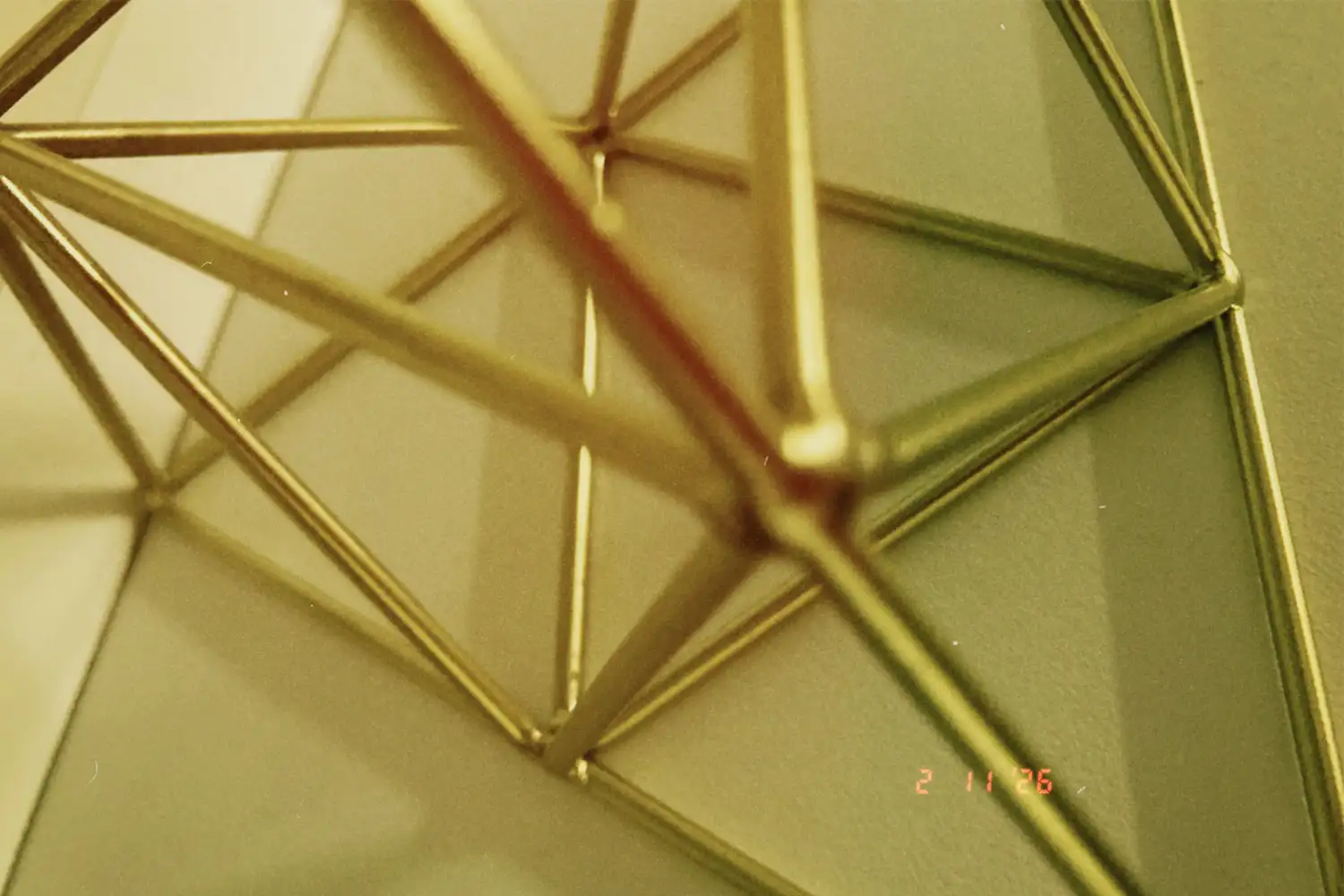


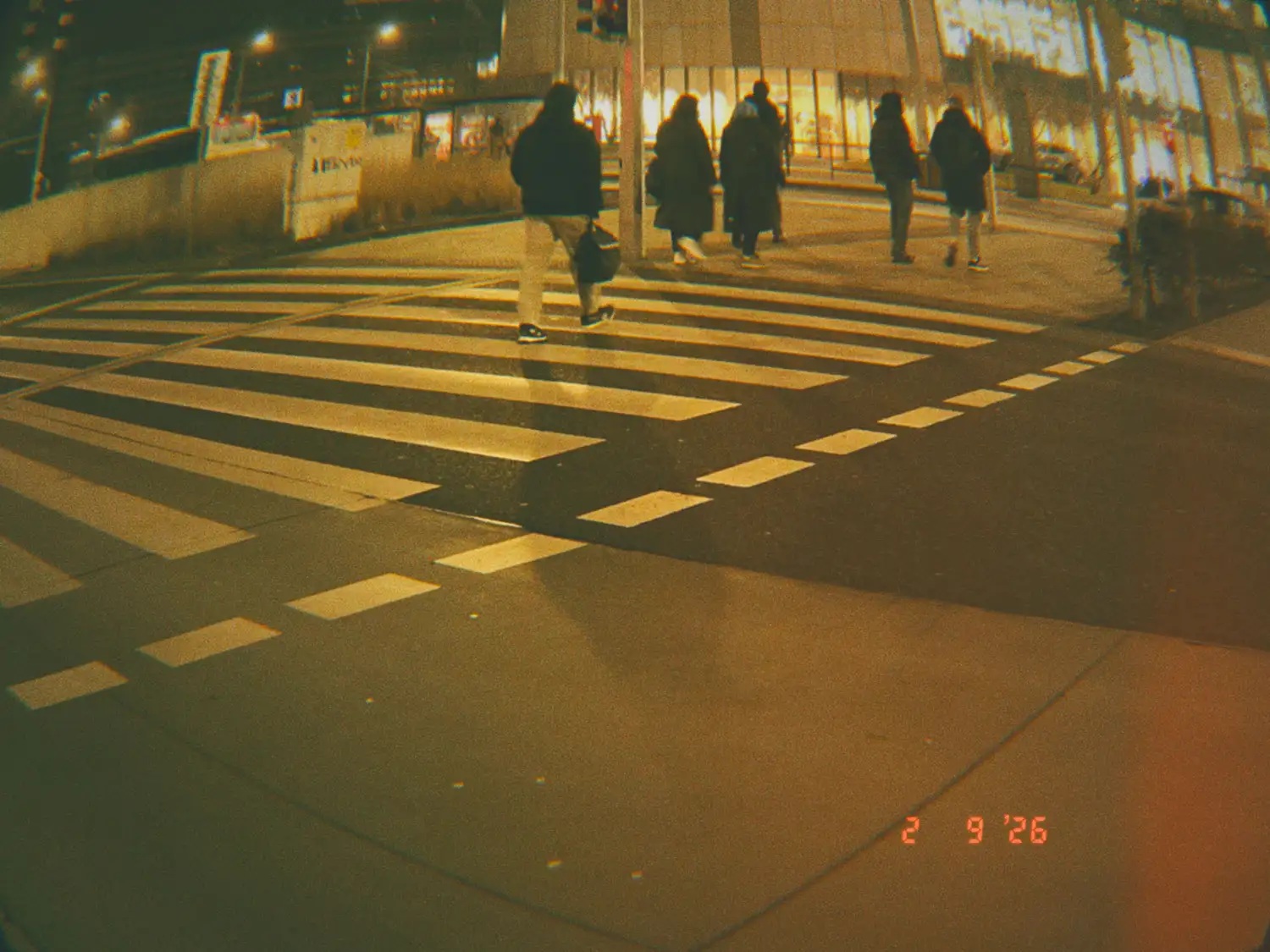


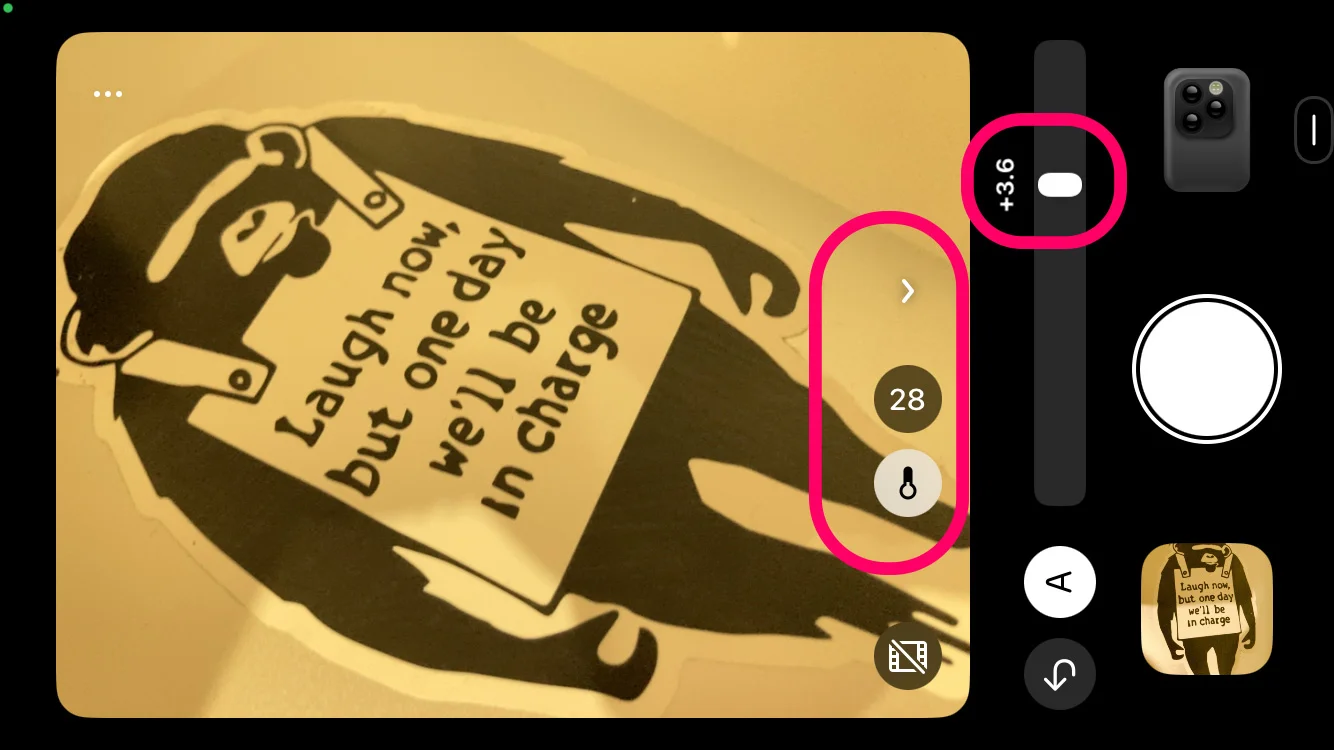
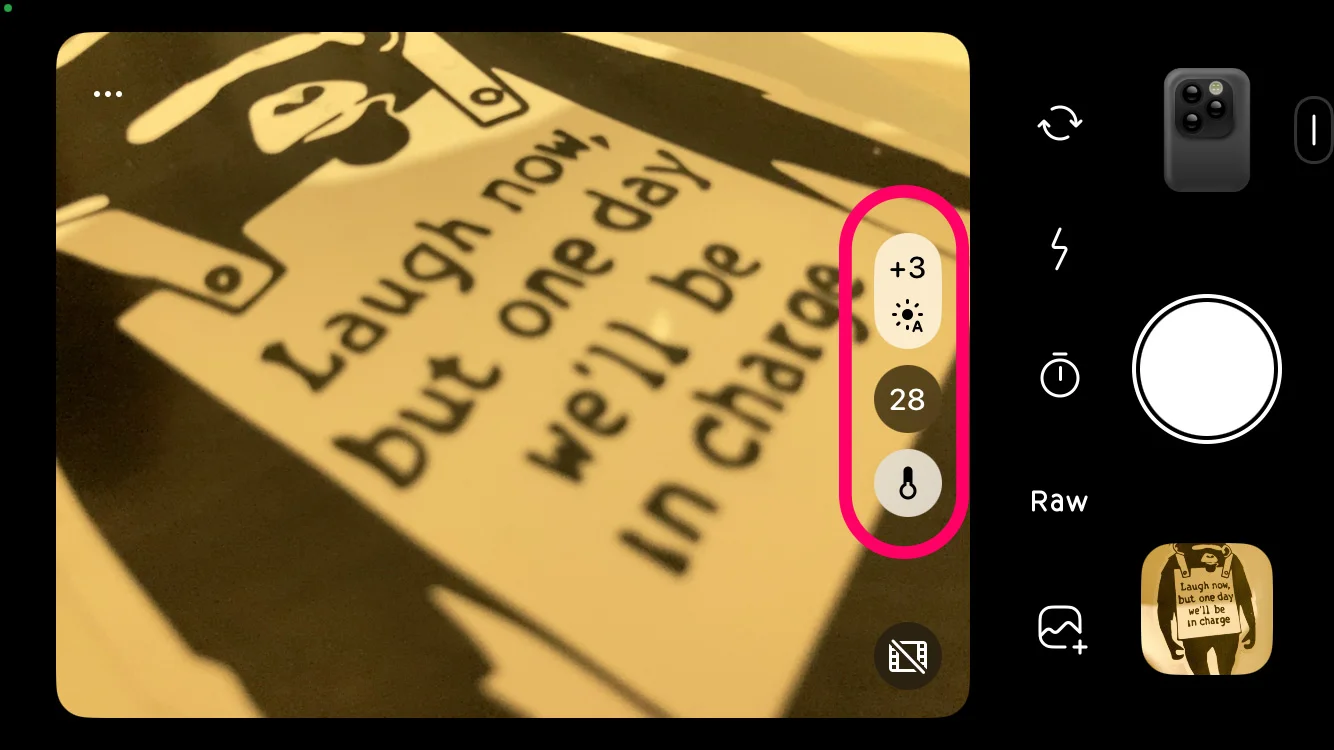

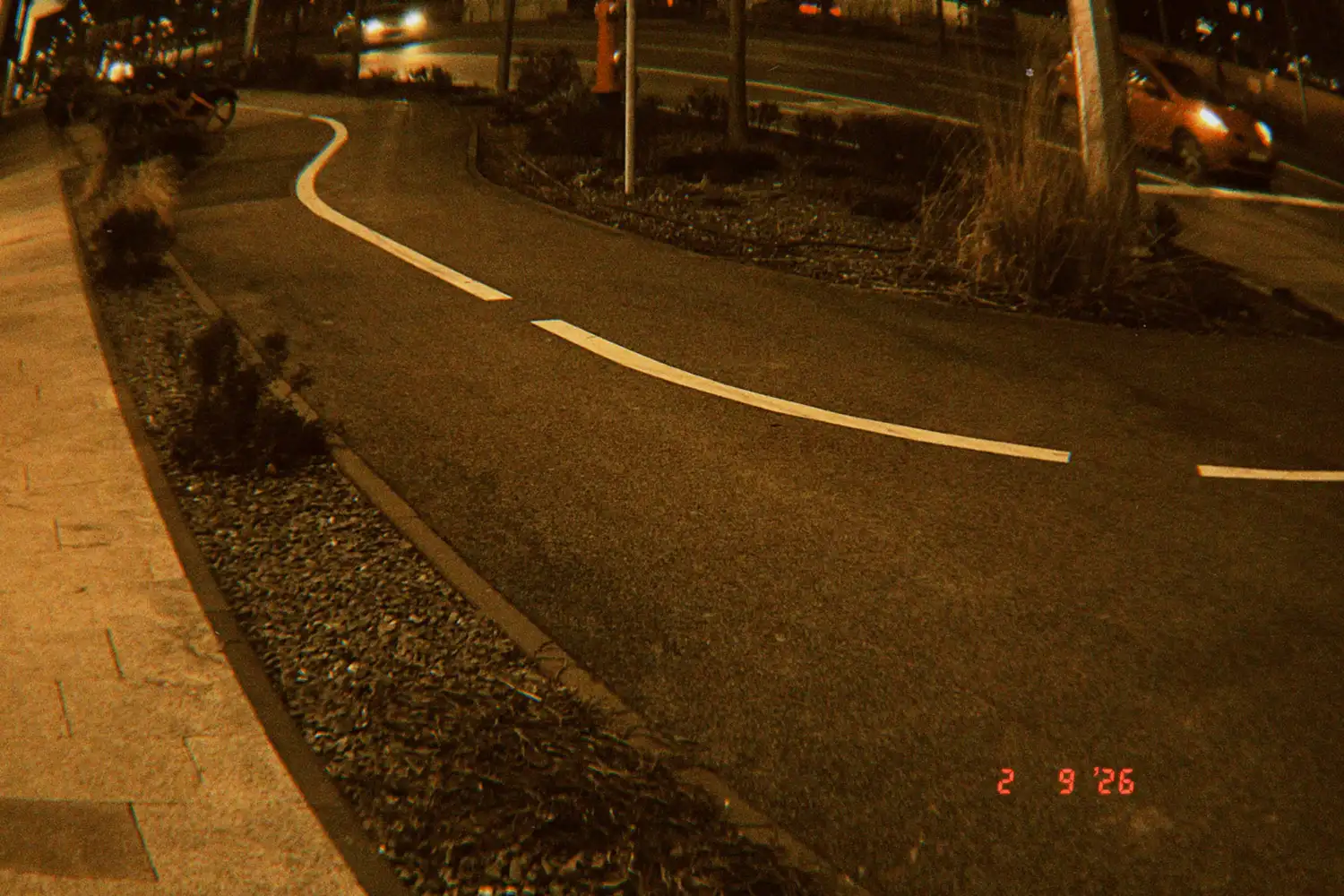
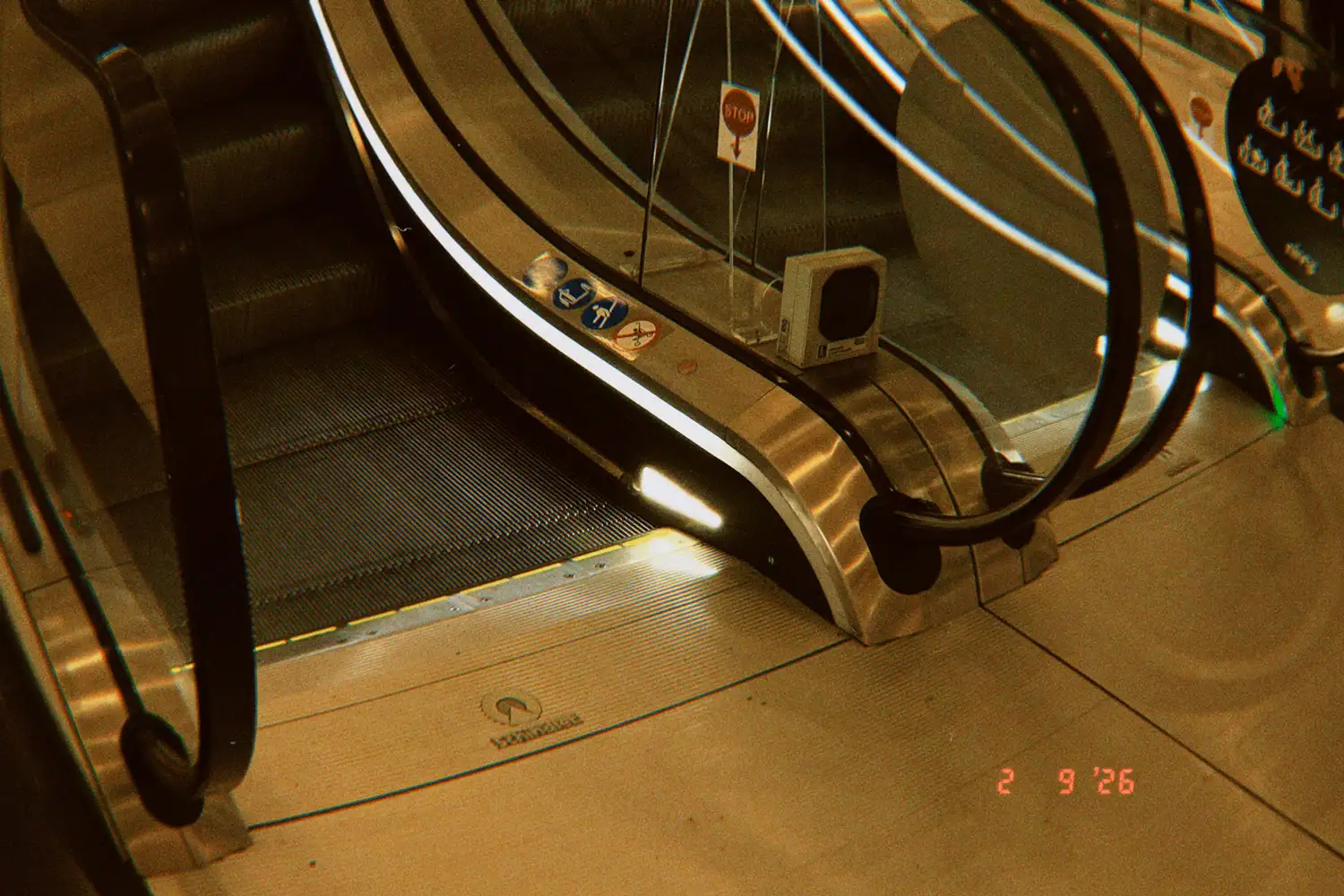
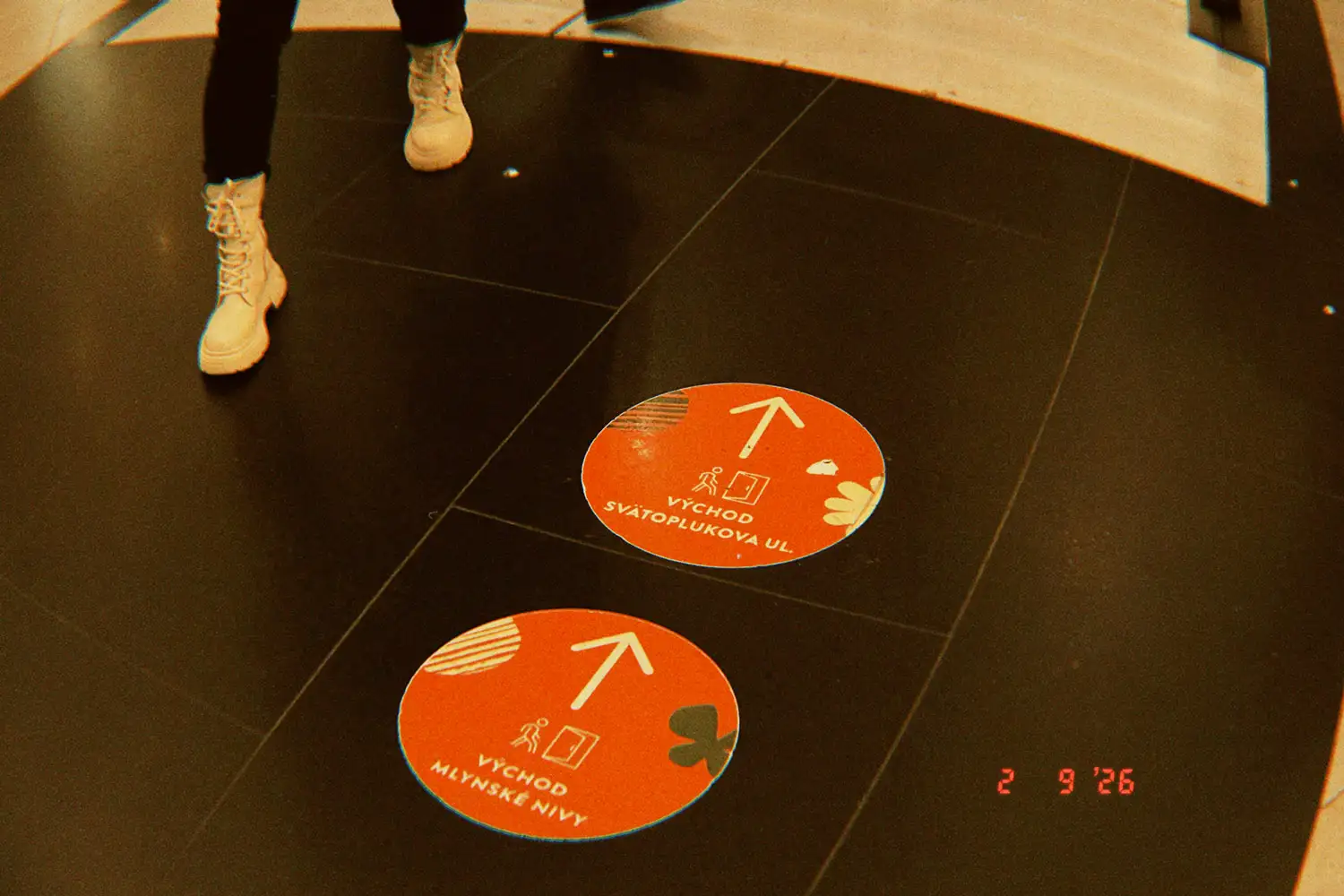
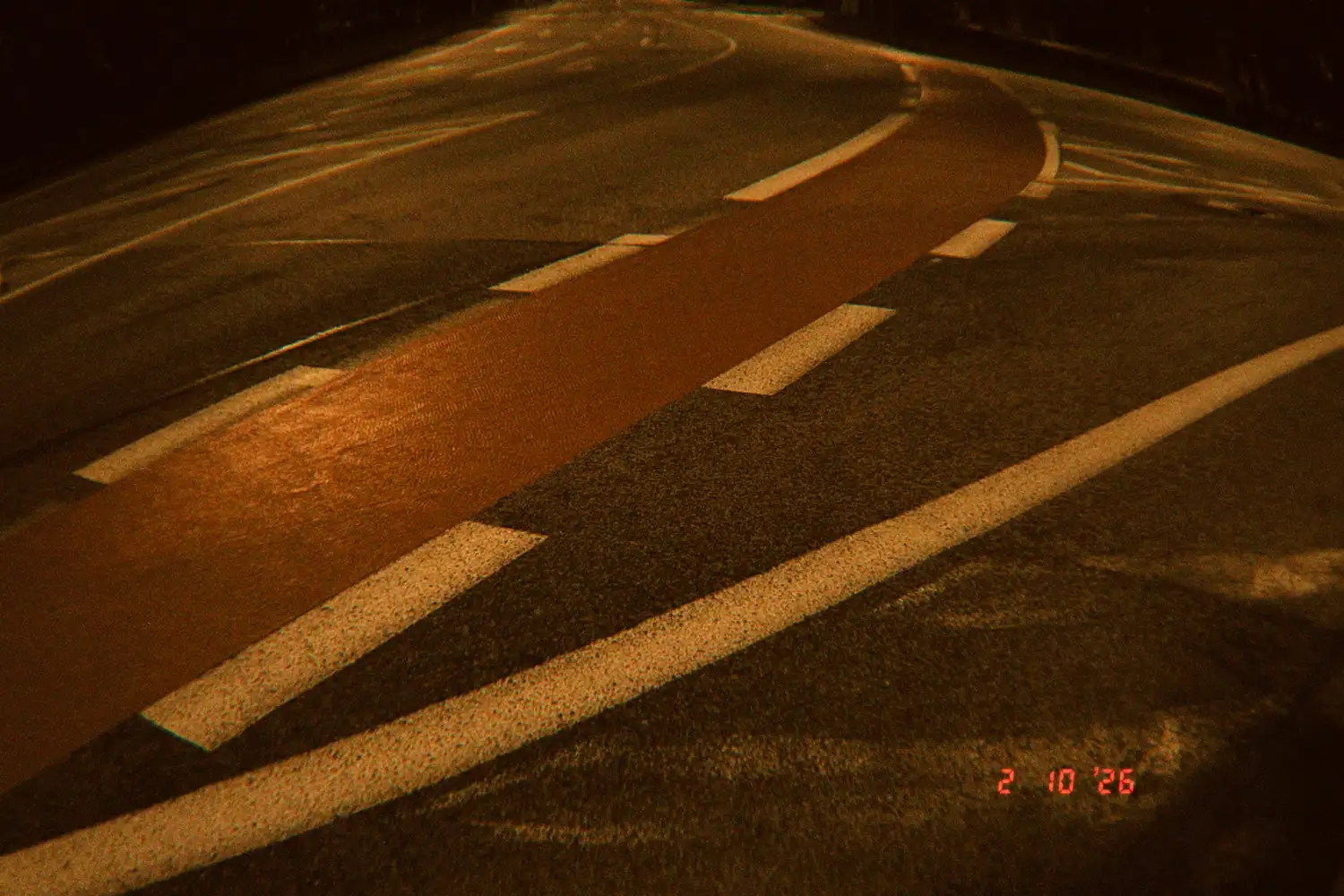
These days, many users are searching for the Dazz Cam yellow filter. They probably expect to find a preset with such a name. But in reality, there is no such filter in the app.
If you’re aiming for a yellowish, analog-style look in Dazz Cam, you’ll need to choose a specific camera and tweak the warmth settings. The result may resemble vintage film, sun-faded photos, or even the yellow tint of analog sunglasses. It all depends on your lighting and camera choice and settings.
In this article, I will explain which Dazz Cam camera to use and how to fine-tune warmth for a natural analog effect. I will also explain the reason why this yellow look has become so popular in modern mobile photography.
Unfortunately, Dazz Cam doesn’t offer a dedicated yellow filter. The reason so many people search for it may be due to search results, social media content, inconsistent naming, and visual similarity. On the other hand, several Dazz Cam cameras naturally produce a yellow-toned look with very little work. But because each of the Dazz Cam cameras is different, they can produce photos with a slightly different yellow tint.
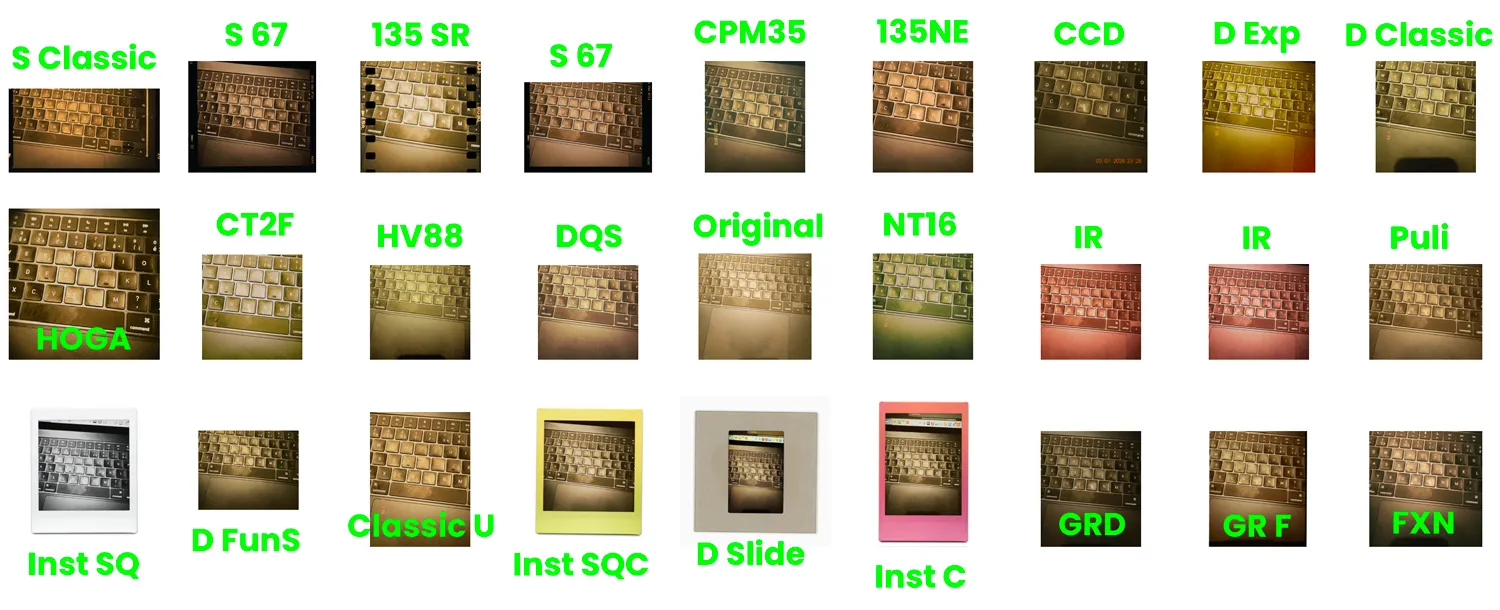
I tested all cameras that allow adjustments to warmth, temperature, and lighting conditions. For consistency, I used a temperature of 9800K with lighting set to 0.0.
When reviewing the final results (all of which you can see in this section), it becomes clear that many cameras don’t produce a true yellow look, instead leaning toward green or brownish tones.
In my opinion, the closest match to a yellow filter comes from the D Experimental camera and Classic U. I also liked the cameras that produce warmer, more golden tones, such as Classic U, GR F, CPM 35, and 135 SR.
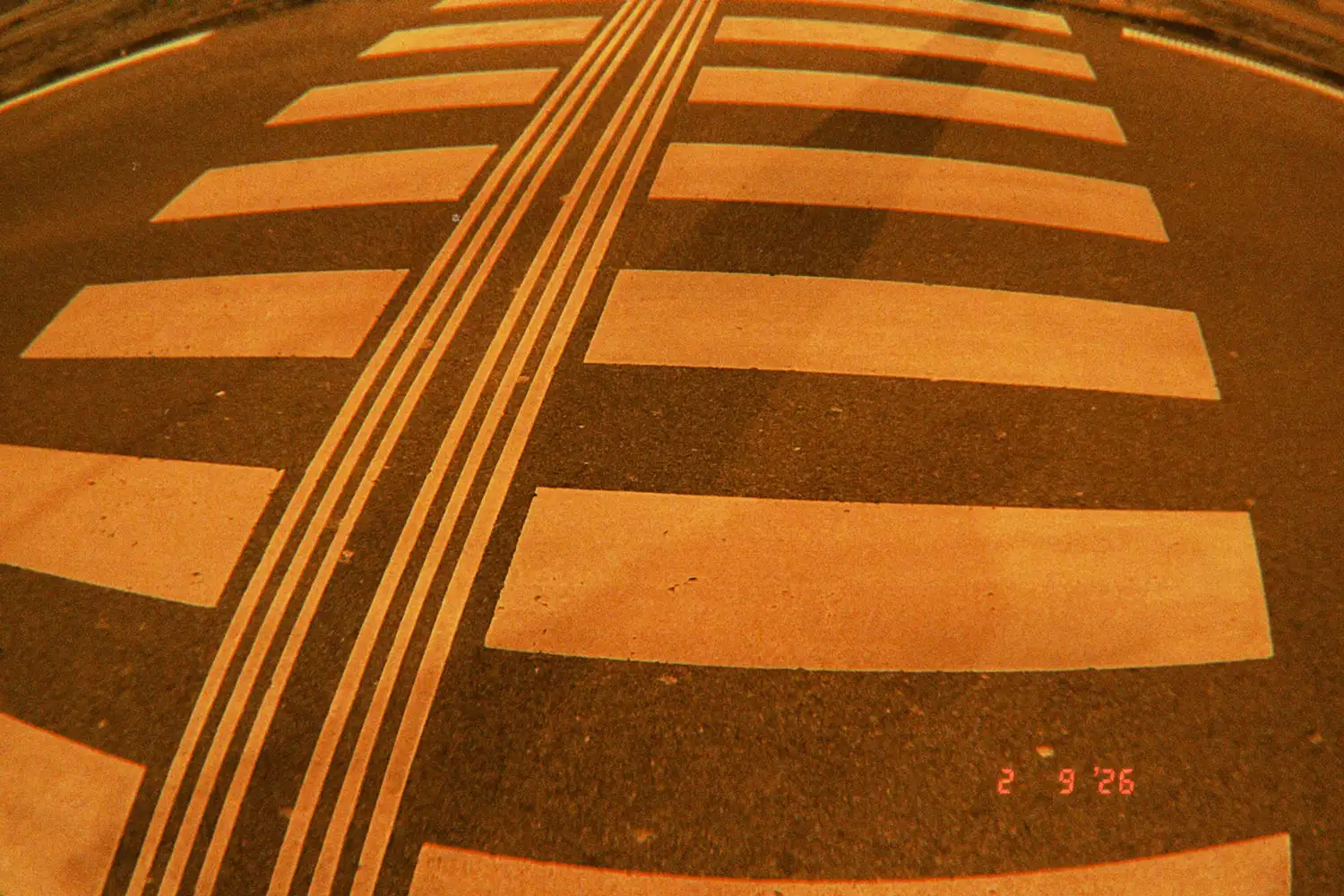
As you can see, some camera simulations can produce sepia-like results when warmth is increased and contrast is reduced, especially in evenly lit scenes. This effect feels more nostalgic and less natural than a simple yellow warmth.
Yellow analog looks are typically used to recreate summer light or vintage film, while sepia tones are more commonly associated with old photographs, historical imagery, and intentionally retro aesthetics.
When adjusting the warmth in Dazz Cam, you can be tempted to push the slider to the maximum in search of the Dazz Cam yellow filter. But don’t do that. To achieve a more subtle yellow analog effect, you should adjust this setting carefully and gradually.
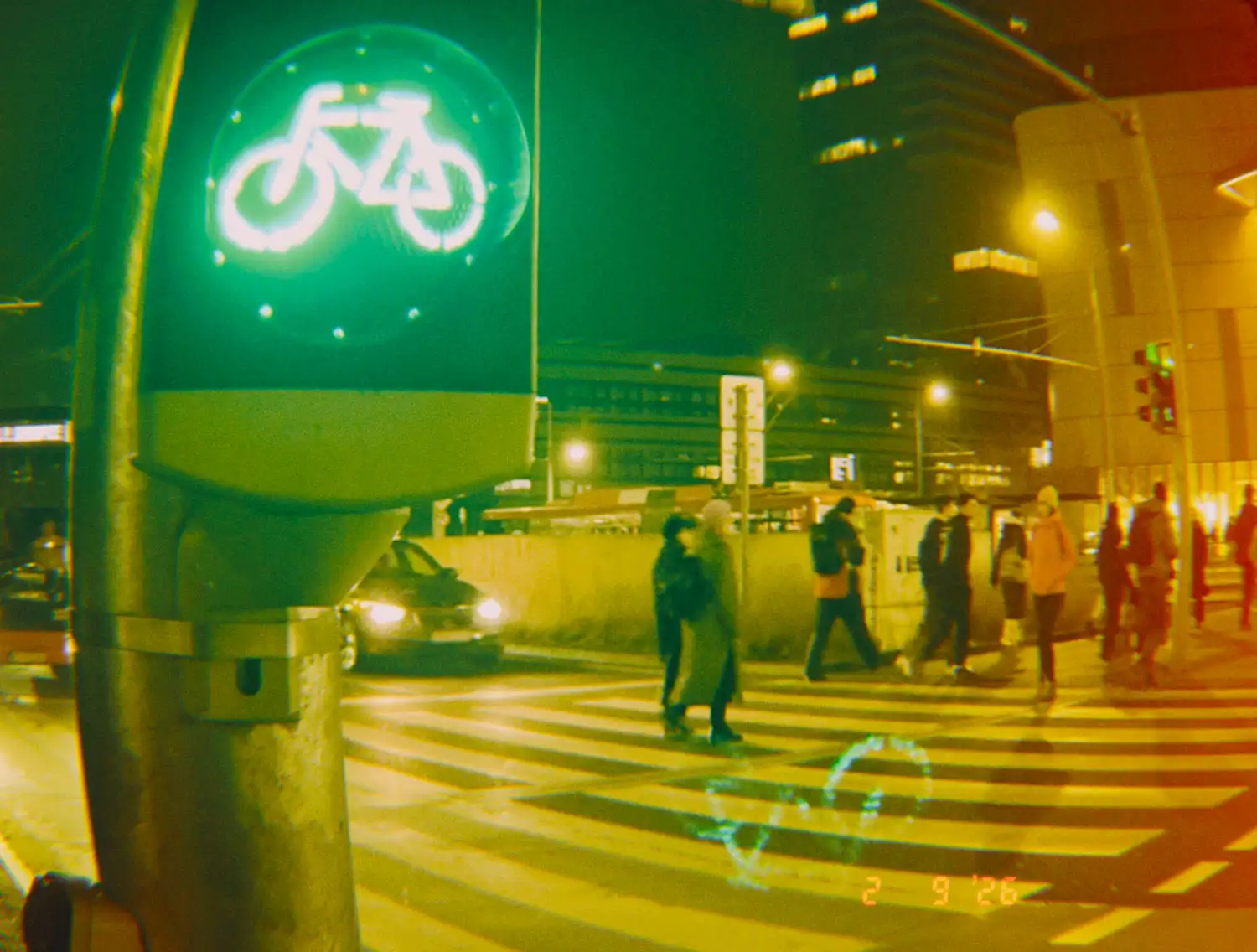
As you can see, the so-called “Dazz cam yellow filter” can produce inconsistent results. Because it isn’t a fixed filter, the final look can vary from shot to shot, even with identical camera settings. Dazz Cam cameras react to light dynamically, similar to real analog film.
Variable to be aware of
The yellow analog look is often compared to the effect of wearing yellow-tinted sunglasses, but the two are created in very different ways. While both result in warmer, sun-like tones, one is a photographic interpretation, and the other is a change in visual perception.
Yellow-tinted sunglasses physically alter how light reaches the eyes. They increase contrast, reduce blue tones, and make scenes appear brighter and warmer — especially in strong daylight. That’s why many people link the color yellow to clarity, sunlight, and nostalgia.
The popularity of the yellow, warm analog look isn’t random. It sits at the intersection of nostalgia, psychology, and visual fatigue.
Yellowish tones are usually reminiscent of 35mm film, disposable cameras, and faded prints from the ’90s and early 2000s.
Modern smartphone cameras are:
The yellow looks softens all of that. It:
In short, it makes digital photos feel less digital.
Yellow tones are subconsciously linked to:
This makes yellow-tinted images feel:
Yellow look also borrows from:
The yellow analog look is popular because it makes modern digital photos feel nostalgic, emotional, and human in a visually overstimulated world.
There isn’t a dedicated yellow filter in Dazz Cam, but you can still create yellow-tinted images using the app. Since this look isn’t produced by a single filter, the final result depends on your choice of camera, lighting conditions, warmth adjustments, and even the subject you’re shooting. Even subtle changes can produce an authentic analog feel. Understanding how these elements affect the final image makes it easier to recreate the same yellow tint more intentionally.
No. Dazz Cam does not offer a filter specifically named “Yellow.”
What is often called a yellow filter is actually a warm analog look created by certain cameras and warmth adjustments.
Photos can appear yellow due to warm camera profiles, increased warmth settings, strong sunlight, or golden-hour lighting.
Not exactly. A yellow analog filter is a physical or digital filter applied deliberately, while Dazz Cam’s yellow look comes from camera simulation and warmth tuning.
From my experience, D experimental and Classic U produce the best results under certain conditions.
Yes, partially. By increasing warmth and shooting in bright light.
Because it doesn’t exist as a standalone filter, the yellow effect is not a preset, but a result of how certain cameras interpret light and color.
Sources:
Sources:
We use cookies to optimize your experience, personalize content, and analyze our traffic. By clicking "Accept All", you agree to our use of cookies for a smoother and faster browsing experience. Learn more in our Privacy Policy.
Manage your cookie preferences below:
Essential cookies enable basic functions and are necessary for the proper function of the website.
These cookies are needed for adding comments on this website.
Statistics cookies collect information anonymously. This information helps us understand how visitors use our website.
Google Analytics is a powerful tool that tracks and analyzes website traffic for informed marketing decisions.
Service URL: policies.google.com (opens in a new window)
Marketing cookies are used to follow visitors to websites. The intention is to show ads that are relevant and engaging to the individual user.
This script provides interactive maps and affiliate tools for searching and booking accommodations and flights. Cookies are used to correctly display prices, availability, and to anonymously track affiliate booking commissions.
Service URL: www.stay22.com (opens in a new window)
You can find more information in our privacy and cookie policy.