

If you’re a fan of vintage and retro photography and you’re looking for a dedicated photo and video editor for your phone, Liit App is worth checking out. It was developed by the same team behind Dazz Cam, but instead of focusing on camera simulations, Liit offers a complete set of editing tools for both photos and videos.
In this review, I’ll cover Liit App’s interface, key features, pricing, and Android availability. I’ll also compare it with Dazz Cam to help you decide which app is the better choice for your editing style.
What is Liit App?
Liit App is a simple photo and video editor suitable for both beginners and more advanced users. Its main purpose is to help you edit photos and videos on the go without needing desktop editing software.
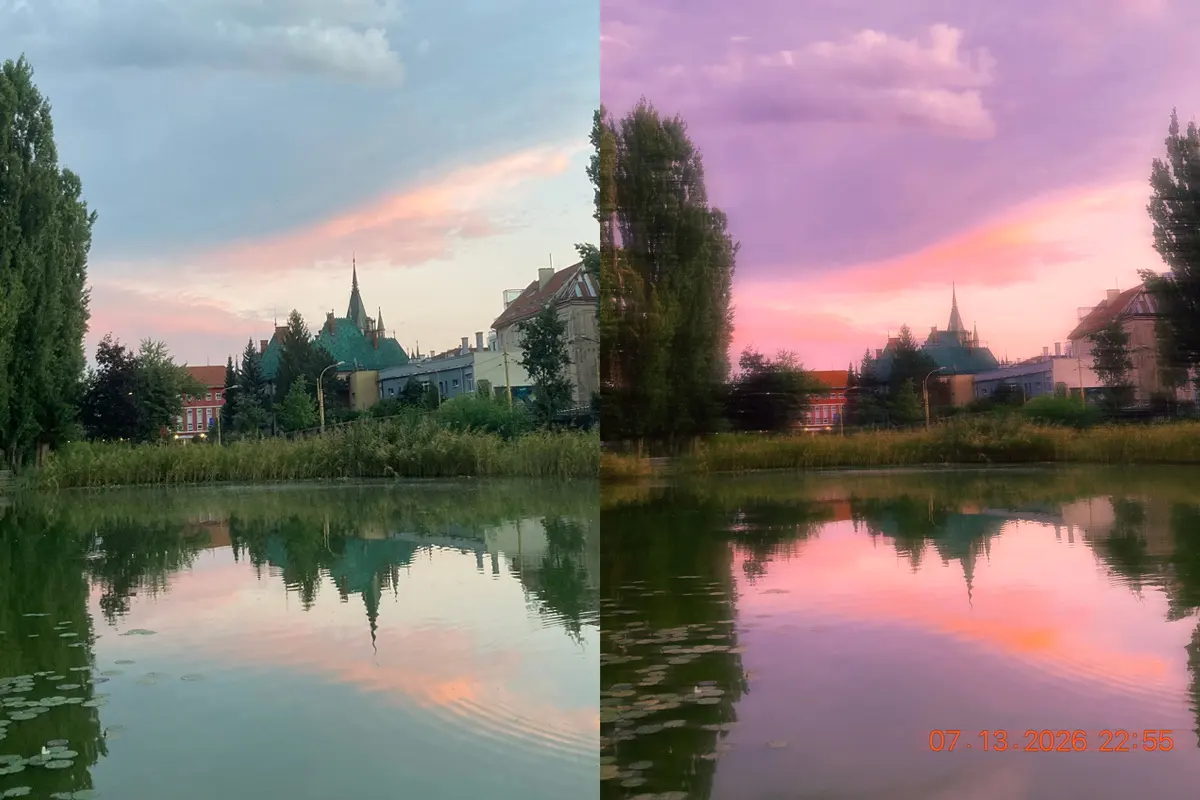
You can import your existing photos and videos and adjust them using tools such as brightness, contrast, tone, HSL, channel mixer, vibrance, temperature, fade and curves. In addition to manual adjustments, Liit also offers a collection of retro-inspired filters, effects and borders (frames). Basic editing features such as cropping are available for both photos and videos.
Another useful feature is support for custom LUTs. You can import your own LUT files in .cube or .3dl format, making it easy to apply your preferred color grading. Liit allows you to import up to 50 LUTs at a time.
Liit App Interface
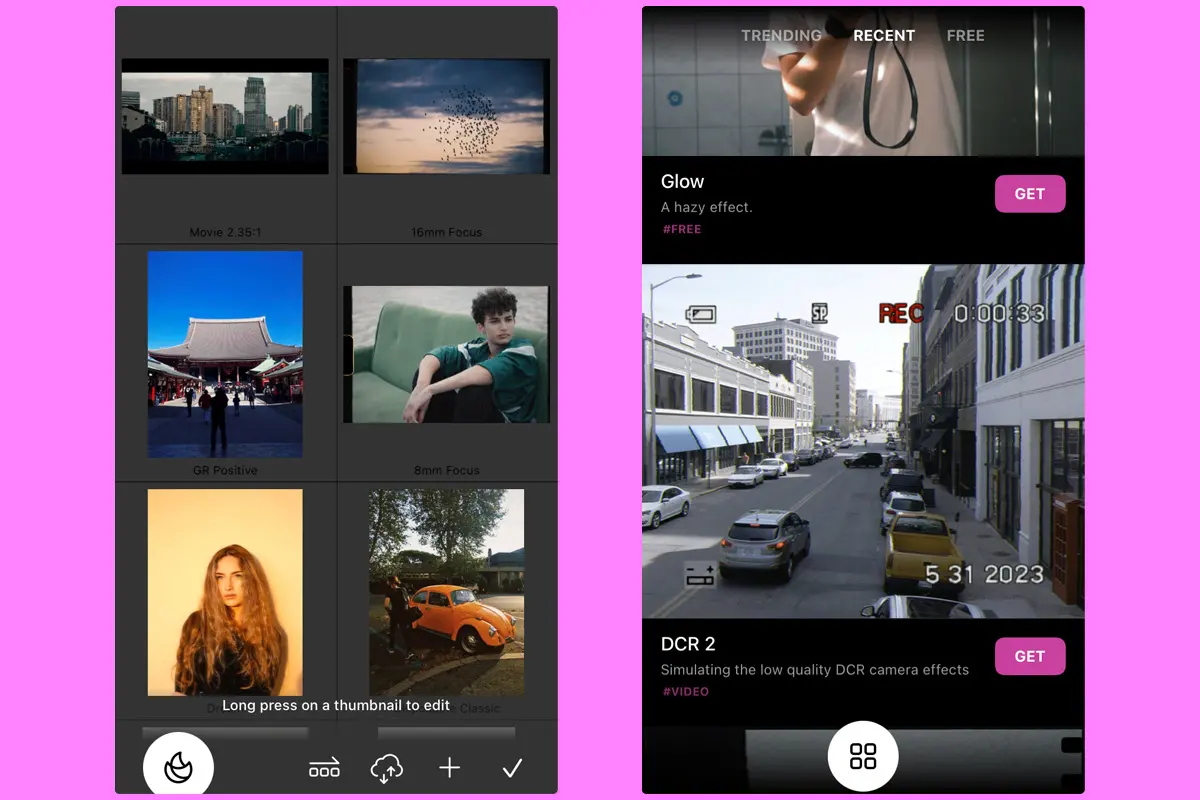
The Liit App interface is simple and easy to navigate, making it suitable even for beginners. When you open the app, you will see a clean editing screen with a top and bottom menu.
The top menu includes access to your Library and the Save button. The bottom menu gives you access to the main editing tools, including Templates, Filters, Adjustments, Effects, Time (for changing the video frame rate), Borders and Crop.
The Library feature allows you to select multiple photos or videos at once, making it possible to edit several files in a batch. Batch editing is especially useful when you want to apply the same style or adjustments to multiple images.
The Save function lets you choose the export quality and resolution or save the original file. You can also batch-export multiple edited files at once. If you import your own LUT files, Liit allows you to export the LUT. However, this option does not apply when you only use the built-in filters and effects from the app.
Before exporting, you can preview how your final edit will look in different formats, including Instagram posts, Instagram Stories, TikTok, WeChat and RED.

Main Features
The main editing features are available in the bottom menu on the main editing screen.
Templates
Liit App offers pre-made templates that you can download and apply to your photos and videos. Some templates are free, while others require a paid subscription. To apply a template, simply tap on it and you will instantly see the preview.
Many of these templates are inspired by Dazz Cam camera styles, including popular looks such as Inst C, DCR, 135 SR, DFunS and 120 B.
Filters
Liit includes around 36 filters, with approximately 12 available as paid options. Each filter allows you to adjust its intensity, giving you more control over the final look.
Adjustments
These tools are free to use and allow you to manually adjust settings such as brightness, contrast, tone, HSL, channel mixer, vibrance, saturation, temperature, fade and curves.
Together, these adjustments provide enough control to create more refined and personalized edits.
Effects
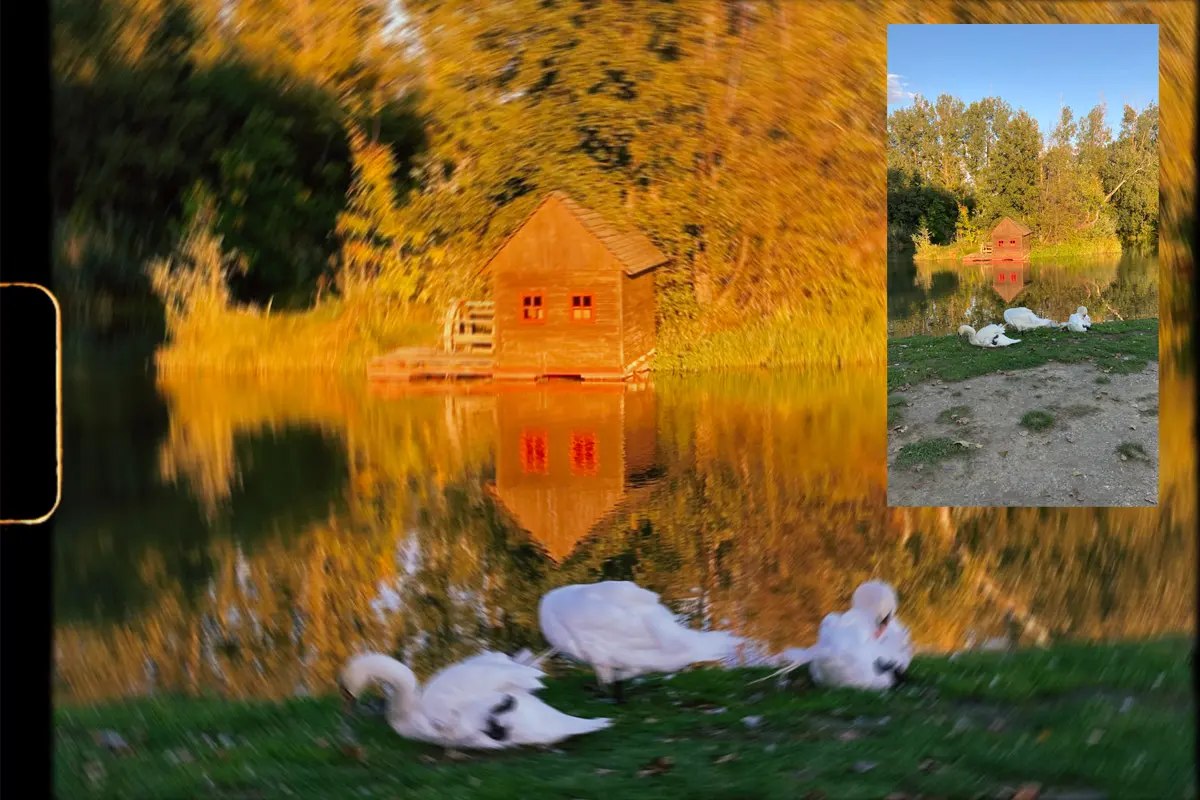
Effects are one of my favorite parts of Liit App, offering a wide range of creative options, including glitch and VHS-style distortions.
The effects menu includes options such as Blur, Grain, Dust, Vignette, Glow, Halation, Prism, Sharpen and Distortion. Each effect comes with additional settings that allow you to fine-tune the result.
Borders
Liit offers both free and paid borders. You can customize the border style to create a look inspired by retro film cameras or VHS aesthetics.
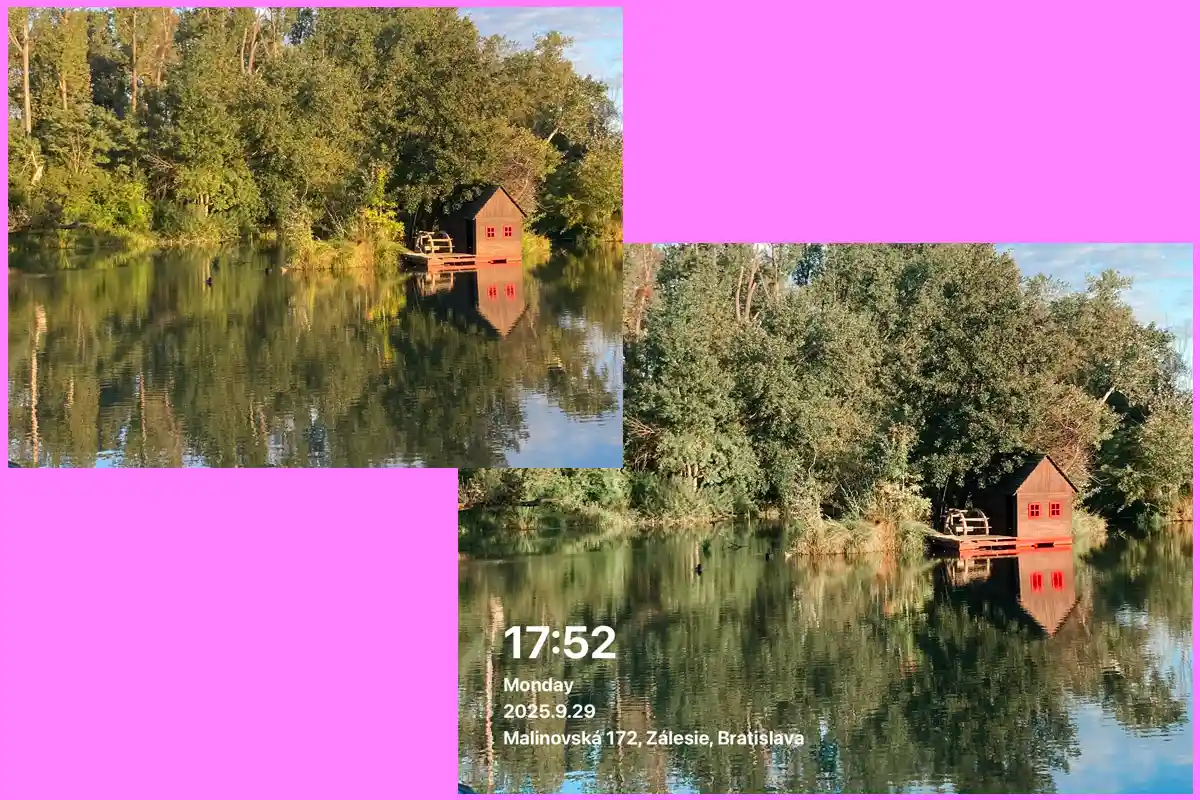
One useful feature is that when applying borders with timestamps, you can change the photo orientation and effectively crop the image at the same time.
Crop
The Crop tool allows you to resize photos and videos using popular aspect ratios such as 9:16 and 1:1. You can also rotate or flip your images and videos.

How to Download Liit App
Liit App is available for download through the official Apple App Store. Simply search for “Liit App” and install it directly on your iPhone or iPad.
To keep your device secure, always download apps from official app stores rather than third-party websites offering modified versions or unofficial downloads.
Is Liit App Available for Android?
At the moment, Liit App is officially available only for iPhone and iPad users. There is currently no official Liit App Android version.
If you search for terms such as “Liit App for Android” or “Liit App APK”, you may find websites offering APK files, but these are not provided by the official developer. Downloading unofficial APK files can pose security risks, so it is recommended to avoid them.
For now, Android users looking for a similar retro photo editing experience will need to consider alternative apps available on the Google Play Store.
Pros and Cons
After testing Liit App and exploring its editing tools, filters and interface, these are the main advantages and disadvantages worth considering:
Pros
- Clean and easy-to-use interface suitable for beginners
- Supports both photo and video editing
- Wide range of manual adjustment tools for detailed edits
- Film-inspired filters, effects, and retro-style borders
- Supports custom LUT imports
- Batch editing and exporting
- Many essential editing tools are available for free
Cons
- Many filters, templates, and advanced features require a paid subscription
- The free version offers a limited selection of creative features
- No official Android version available
- Less focused on camera simulation than dedicated retro camera apps
- Some advanced editing options are locked behind the Pro version
- No built-in object removal or retouching tools
If you are looking for a retro camera experience with different simulated cameras and unique shooting styles, Dazz Cam may be a better choice. However, if you want to edit existing photos and videos with more control over adjustments, filters and color grading, Liit App offers a more traditional editing workflow.

Liit App and Dazz Cam are developed by the same team, but they serve different purposes. If you're looking to capture photos with realistic vintage camera simulations instead of editing existing images, read my in-depth Dazz Cam review.
Is Liit App Worth It?
Yes, Liit App is worth trying, especially if you are looking for a high-quality photo and video editor with a clean interface and a good selection of free editing tools.
One of the biggest advantages of Liit is that many important adjustment tools, such as brightness, contrast, curves, HSL and color adjustments, are available for free. This makes it possible to create detailed edits without immediately needing a paid subscription.
The Pro version is mainly useful if you want access to additional filters, templates, borders and special effects. For users who enjoy experimenting with retro styles and creative edits, these extra features can be worth the upgrade.
The main limitation is that Liit App is currently available only for iPhone and iPad users, so Android users will need to look for alternative editing apps.
Overall, Liit App is a great choice for mobile photographers who want more control over their edits while still enjoying film-inspired effects and an easy-to-use workflow.
FAQ
Sources & Further Reading
Sources: